


GAME SUPPORT
YouTube Video Guides:
Watch setup, gameplay, maintenance, and troubleshooting videos on our official YouTube playlist.
NEED SERVICE?
Need service? Call us at 815-541-4940 or fill out this form!
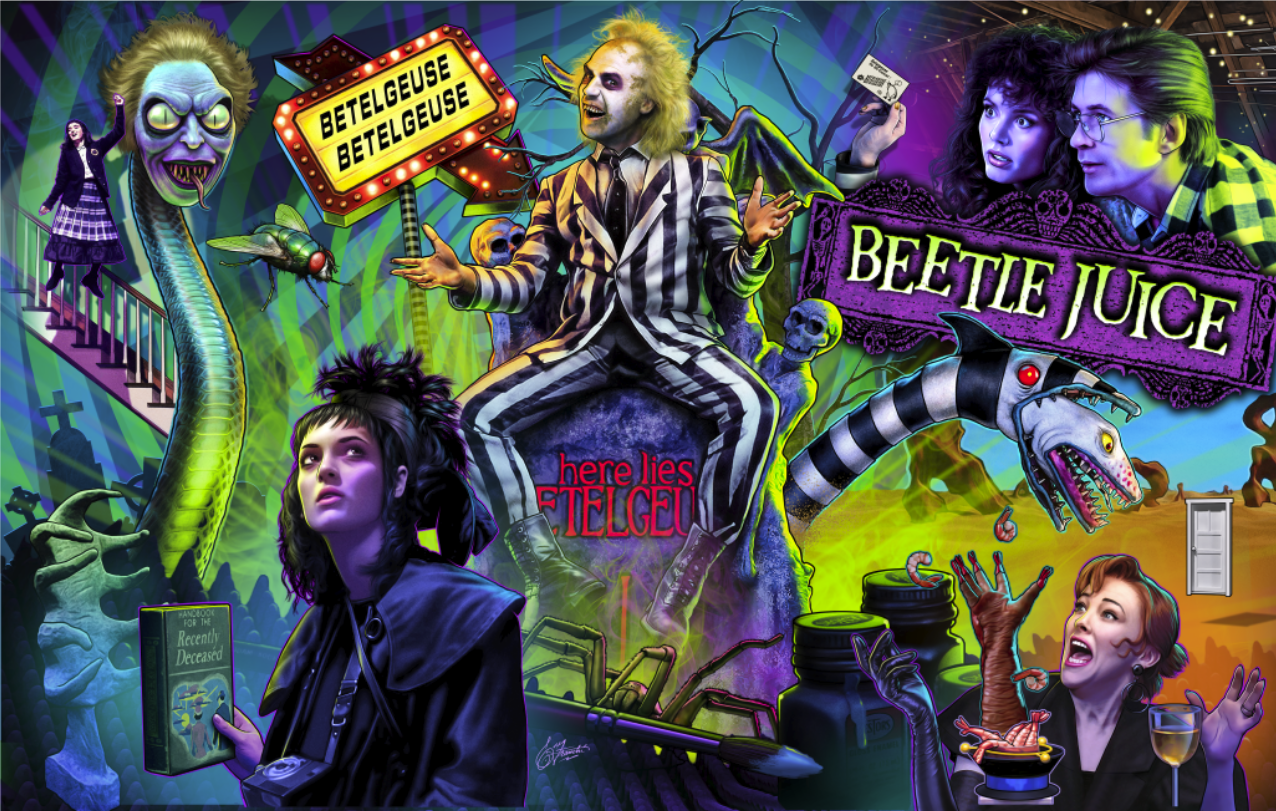
Beetlejuice
Release Notes
- NEW MODE – Hungry Hungry Sandworms.
- FEATURE – Multiple improvements to Strange & Unusual.
- BUG – Improved trough behavior after a failed eject.
- BUG – Improved recovery from a drop target knockdown failure.
Game Manual
Rules Document
Coil Chart
Switch Chart
Game Restore Instructions
Replacement Parts
Update Instructions:
Download the latest code and place it onto the root folder of a USB Flash Drive. Plug that drive into your machine and use the menu to navigate to USB SOFTWARE UPDATE. Follow the on-screen instructions.
To enable WIFI updates, first connect your game to your local wireless network through the game’s service menu. Remember to select DONE after entering your network password. Once connected, navigate to WIFI SOFTWARE UPDATE to view available updates. Updates will not download automatically, so you must manually select and confirm the update from the menu to begin installation. Do not power off the game while an update is in progress.
Debug Menu:
Hold the red menu button to toggle the debug menu.
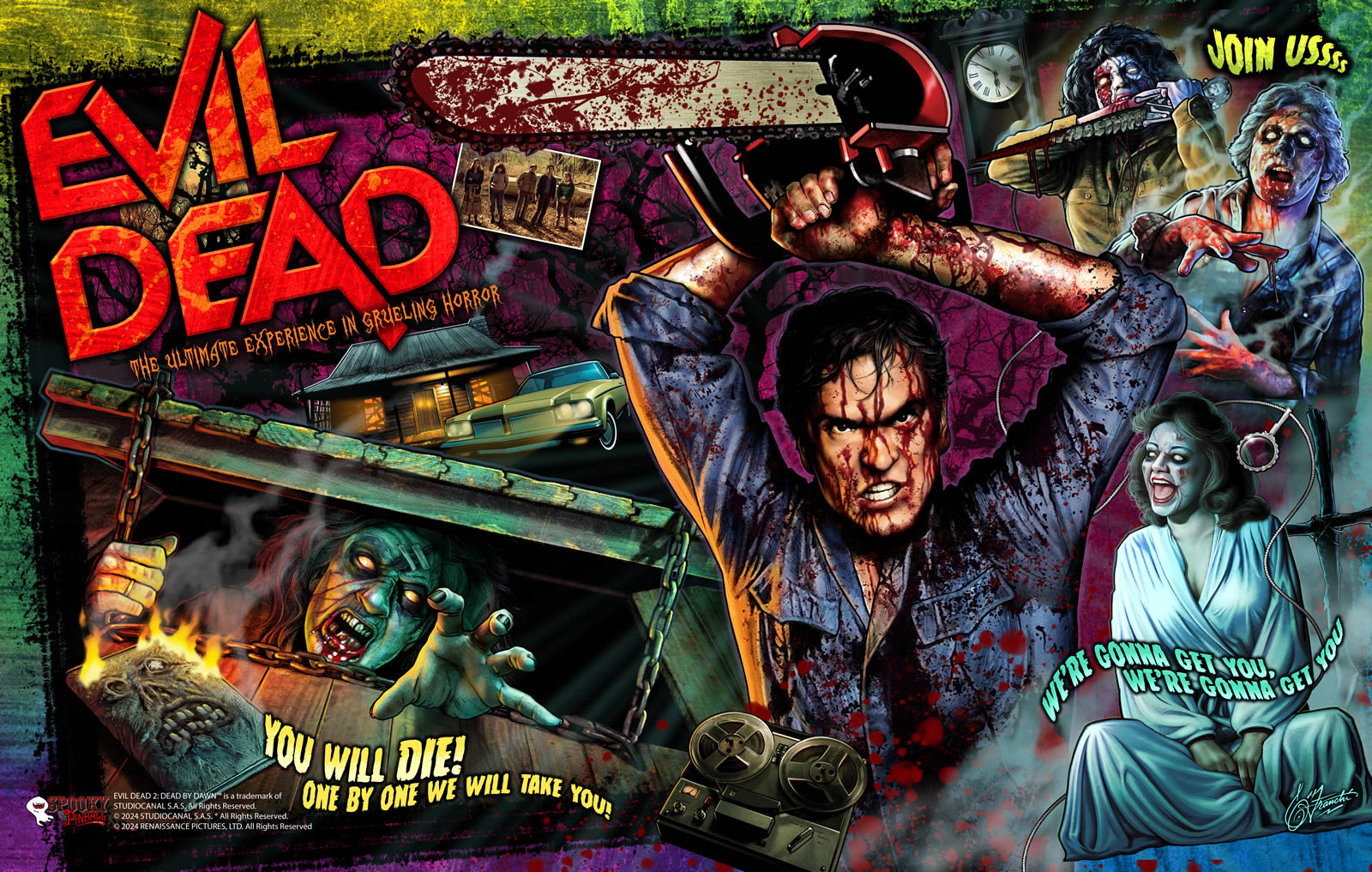
Evil Dead
Download: v2026.07.15
Release Notes
-
MENU – Added support for Deadrings in the Mech Settings menu. Set DEADRINGS INSTALLED to 1 or 2 before installing this mod.
-
MENU – The Shotgun Shooter Handle can now spawn jackpots during Boomstick Multiball. SHOOTER HANDLE INSTALLED must be turned ON in the Mech Settings menu.
-
FEATURE – Increased the time available for the Super Skill Shot.
-
FEATURE – Running timers now remain paused longer during Cabin Multiball startup.
-
FEATURE – Spooky Tokens can now be used in Free Play.
-
BUG FIX – Fixed an issue where Delta 88 could improperly stack with other modes.
-
BUG FIX – Fixed an issue where the Hail to the King timer was not starting properly.
-
BUG FIX – Fixed an issue where Cheryl Multiball could eject the ball too early.
-
BUG FIX – Fixed an issue where Necklace inserts remained off until the Skill Shot concluded.
-
BUG FIX – Fixed an issue where mode progress indicators did not remain lit on movie stacks until both stacks were complete.
-
BUG FIX – Fixed an issue where VUK switches could interfere with ball searches.
-
Various bug fixes and enhancements throughout the game.
Update Instructions:
Download the latest code and place it in the root folder of a USB flash drive. Plug it into your machine, go to
Utilities > Update Code, and follow the on-screen prompts.
Debug Menu:
Hold the red menu button to toggle the debug menu on or off.
Looney Tunes
Download: v2025.10.08.looney (Public Beta)
Release Notes
- FEATURE – Introduced the Factory Mayhem (Wizard Mode). This mode is qualify by completing all Lightning Bolt inserts.
- Alien Technology – Play All Marvin Modes
- Anvil – Play Anvil Multiball
- Crates – Open 5 Crates
- Extendo Punch – Collect the Hook, Jab, and Uppercut Jackpots
- Rockets – Play Rocket Multiball
- FEATURE – Introduced the Earthquake Pills mode. Unlike most modes, this must be unlocked by completing crates (# menu setting).
- FEATURE – Taz Mania qualification can now be completed within toon modes, making the mode easier to start. (# per shot menu setting).
- FEATURE – Hold the action button to initiate a ball search.
- BUG FIX – Resolved a stacking bug when starting Duck Amuck and Rocket Multiball while TNT Add-A-Ball was active.
- PUBLIC BETA NOTICE – We are currently looking into an issue with screen flashing that may occur on some games. We hope to update this with a fix for that shortly.
Game Manual
Rules Document
Coil Chart
Switch Chart
Game Restore Instructions
Replacement Parts
Update Instructions:
Download the latest code and place it onto the root folder of a USB Flash Drive. Plug that drive into your machine and use the menu to navigate to
Utilities > Update Code. Follow the on-screen instructions.
Debug Menu:
Toggle the debug menu on or off by holding the left flipper button and pressing the volume down menu button.


Texas Chainsaw Massacre
Release Notes
- FEATURE – Added the new Bonus Ball. Qualify the Bonus Ball by completing combos and activating the shot multiplier with a double tap of the extra flipper button. An earned Bonus Ball will play at the conclusion of the game. Bonus Ball is a timed ball focused on completing combos and locking balls.
- FEATURE – Improved on-screen display of mode transitions and completions.
- FEATURE – Completed modes now dim instead of turning off.
- FEATURE – Holding the action button will activate a ball search.
- FEATURE – Improved code handling for text and image access to enhance performance.
- MENU – Entering the menu now ends the current game.
- BUG FIX – Fixed an issue where apron lighting could remain on after certain modes.
- BUG FIX – Corrected display behavior for captive ball hit tracking.
Game Manual
Rules Document
Coil Chart
Switch Chart
Game Restore Instructions
Replacement Parts
Update Instructions:
Download the latest code and place it onto the root folder of a USB Flash Drive. Plug that drive into your machine and use the menu to navigate to Utilities > Update Software From USB. Follow the on-screen instructions.
Debug Menu:
Toggle the debug menu on/off by holding the red menu button.
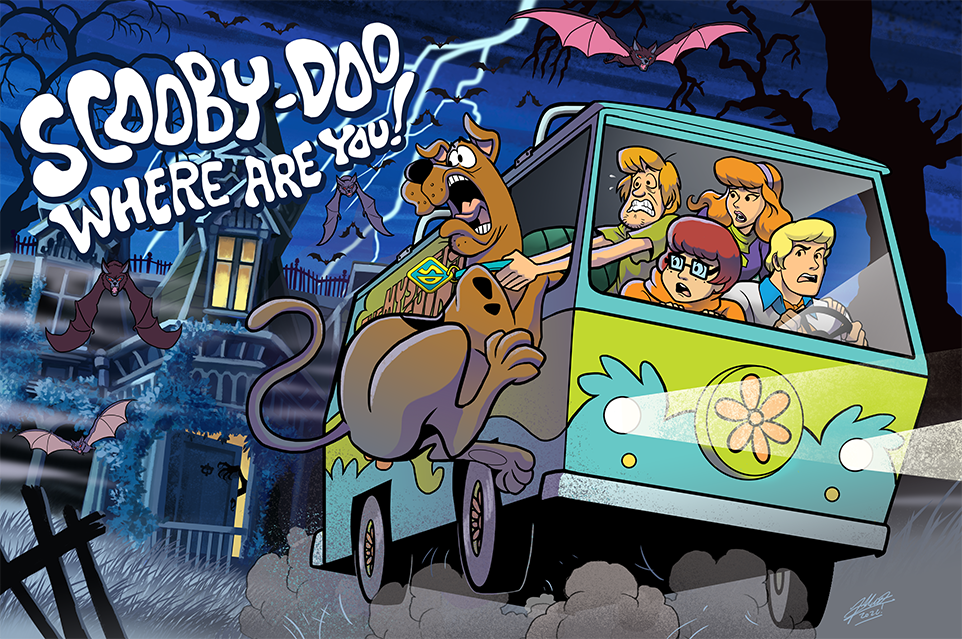
Scooby-Doo
Release Notes
FEATURE: Added support for higher resolution displays.
NEW MODE: Scooby-Doo and a Mummy Too! Complete three objectives concurrently in any order: shoot the roaming Mummy three times, complete the upper-playfield lanes in Castle, Airport, Mine Shaft order, and clear the forward and rear drop banks before shooting the left VUK. Press the action button 12 times to temporarily freeze the roaming Mummy shots. During the unmasking hurry-up, shoot the four Scarab standup targets from left to right to increase the bonus before shooting the Mystery Machine to unmask the Mummy.
FEATURE: Complete Monster Sidequests to qualify a Mystery Monster at the left orbit. The first qualification randomly selects Mummy or Snow Ghost; the second starts the remaining monster.
MENU: SIDEQUESTS LITE MYSTERY MONSTERS controls qualification for both modes. The default is three completed sidequests for the first monster and six total for the second. Beta testers can set this adjustment to one for easier access.
FEATURE: Added Mummy Champion and Snow Ghost Champion high-score awards.
TOURNAMENT: Multiple players can now select the same character. Player numbers appear on the score display, during skillshot, and when entering initials.
FEATURE: When a Secret Passage magnet capture is qualified, holding both upper flipper buttons prevents the magnet from grabbing the ball, allowing the player to choose whether to divert it. This does not apply during Snow Ghost.
BUG FIX: Mummy and Snow Ghost now begin with a ball save.
BUG FIX: Mystery Award no longer awards Case Qualified when a case is already qualified.
BUG FIX: Tuned switch activation filtering for start, launch, and service-menu buttons.
BUG FIX: Skillshots no longer requalify a character mode that has already been completed.
BUG FIX: Mummy action-button effects and Mystery Award extra-ball awards now respect the knocker setting.
BUG FIX: Improved character-mode ending sequences to prevent interrupted endings from restarting clue collection after the mode has stopped.
BUG FIX: Corrected Mummy and Snow Ghost unmasking tracking so these bonus modes do not advance the seven main villain locations.
BUG FIX: Corrected card-hand display positioning in Zombie’s Hold’em mode.
BUG FIX: Updated Black Knight’s left VUK handling and removed forced drop-bank resets during Museum Jackpot.
BUG FIX: Improved recovery when saved settings contain incomplete high-score lists or invalid credit values.
MENU: Improved service-menu scaling, alignment, scrolling, and page transitions for different display resolutions.
MISC: Miscellaneous minor tweaks.
Game Manual
Rules Document
Coil Chart
Switch Chart
Game Restore Instructions
Replacement Parts
Update Instructions:
Download the latest code and place it onto the root folder of a USB Flash Drive. Plug that drive into your machine and use the menu to navigate to
Utilities > Update Software From USB. Follow the on-screen instructions.
Debug Menu:
Toggle the debug menu on or off by holding the red menu button.
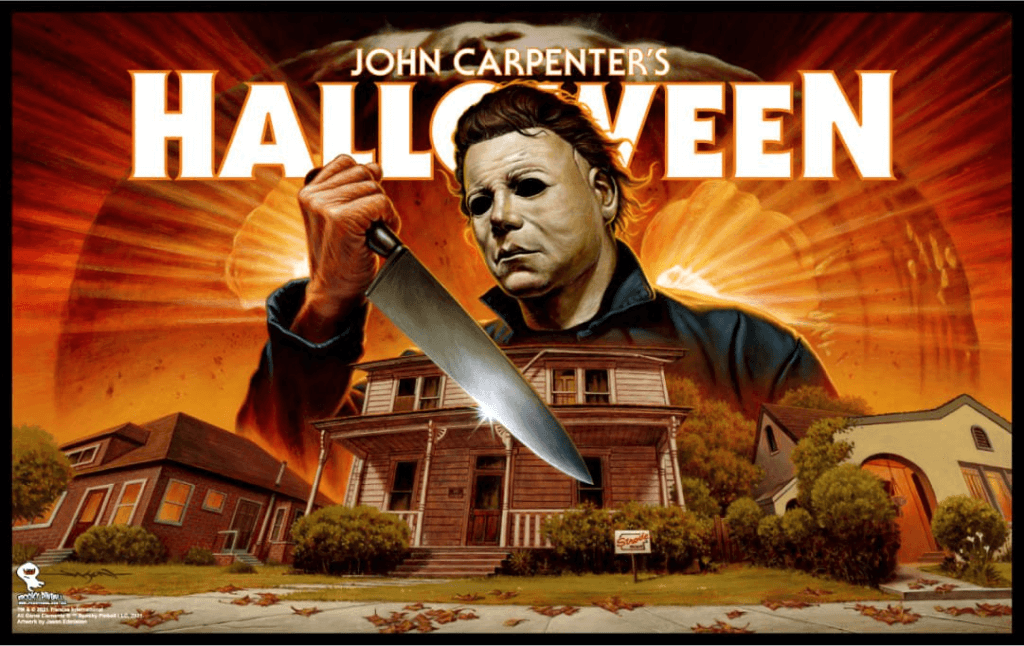
Halloween
Release Notes
- FEATURE – Added Stalker Survival. Enable the mode in the menu under Game Feature Settings using either the Wizard Play or Hold Start option.
- FEATURE – Added 60+ new speaker, topper, and playfield lighting effects.
- FEATURE – Increased scoring in Tombstone Multiball and Boogeyman.
- MENU – Added an optional full-screen video setting in Standard Settings.
- BUG FIX – Fixed House Multiball qualification lighting when other modes are running.
- BUG FIX – Corrected a time display bug on The Night He Came Home results screen.
- BUG FIX – Fixed some issues with entering the menu during gameplay.
- BUG FIX – Fixed character assignments and matching player icons in Stalker Survival.
Debug Menu:
Toggle the debug menu on or off by holding the left flipper button and pressing the volume down button.
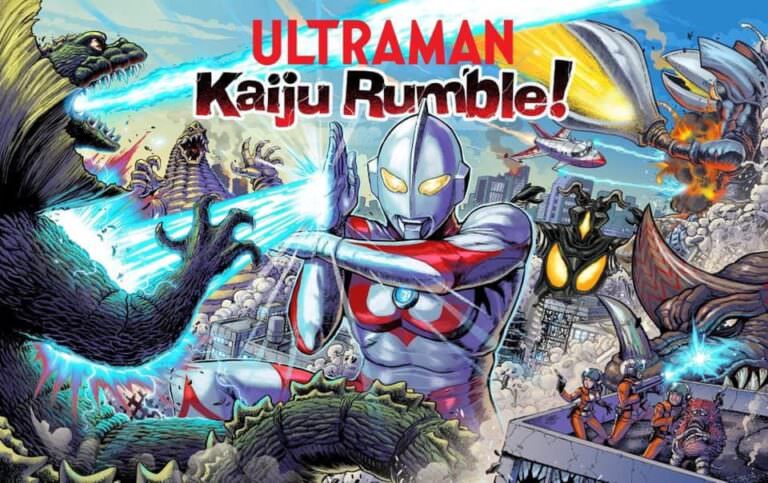
Ultraman Kaiju Rumble!
Release Notes
- FEATURE – Added Bulton. Enable the mode in the menu under Game Feature Settings using either the Wizard Play or Hold Start option.
- FEATURE – Added 60+ new speaker, topper, and playfield lighting effects.
- FEATURE – Increased scoring in Science Patrol Multiball and Zetton.
- BUG FIX – Corrected a time display bug on the UltraSeven results screen.
- BUG FIX – Fixed some issues with entering the menu during gameplay.
Debug Menu:
Toggle the debug menu on or off by holding the left flipper button and pressing the volume down button.
Rick and Morty
Release Notes
Alice Cooper’s Nightmare Castle
Total Nuclear Annihilation

Rob Zombie’s Spookshow International
America’s Most Haunted
Service Videos
Wiring Chart
Lamp Chart
Switch Chart
Apron Cards
Game Setup Instructions
Replacement Parts
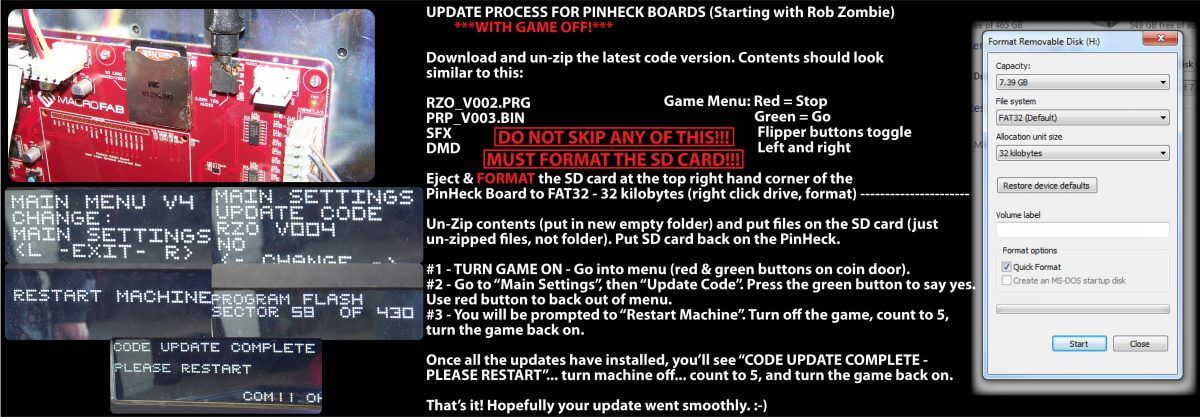
Update Instructions:
After updating your code, go into the game menu and reset to factory defaults. Adjust your coil strengths as needed (0 low / 9 high).